
Sylnovia © 2026 · All Rights Reserved

In B2B enterprise software, customer churn frequently occurs before onboarding is even complete. When an enterprise signs a contract to switch from a legacy competitor to your modern SaaS platform, they bring along years of messy, unstructured data: hundreds of thousands of customer records, transaction histories, and file attachments stored in mismatched CSVs, spreadsheets, or proprietary database dumps.
If data import takes weeks or corrupts critical records, customer excitement turns into buyer's remorse. A resilient data migration engine is a critical competitive differentiator.
Customers cannot be expected to reformat their legacy data to match your internal database schema. Provide an intuitive mapping interface that allows users or onboarding engineers to pair incoming CSV columns with internal entity fields, supporting automated type casting and default value assignment.
Never process multi-megabyte customer uploads synchronously in HTTP web server threads—this leads to memory exhaustion and 504 Gateway Timeouts. Stream uploaded files into cloud object storage (S3) and dispatch chunked background queue workers to parse records in memory-safe batches (e.g., 500 rows per batch).
Always execute a dry-run phase before committing records to production tables. Ingest raw data into temporary staging tables, run comprehensive validation checks (duplicate emails, invalid foreign keys, malformed phone numbers), and provide the customer with an actionable downloadable error report pinpointing exact invalid row numbers.
Wrap entity imports in database transactions. If an unrecoverable failure occurs halfway through an import, the batch must roll back cleanly rather than leaving the customer's account in a half-populated, corrupted state.
After migration, automated reconciliation scripts must verify data parity: total row counts, balance sums, and foreign key integrity. Provide customers with an onboarding dashboard showing exactly how many records were successfully imported, skipped, or modified.
At Sylnovia, we build high-volume automated data import engines, ETL pipelines, and zero-downtime migration workflows for enterprise platforms. Ensure a seamless onboarding experience for your enterprise customers by contacting our team.
Delivering deep technical insights, architectural blueprints, and digital strategy for modern engineering squads.


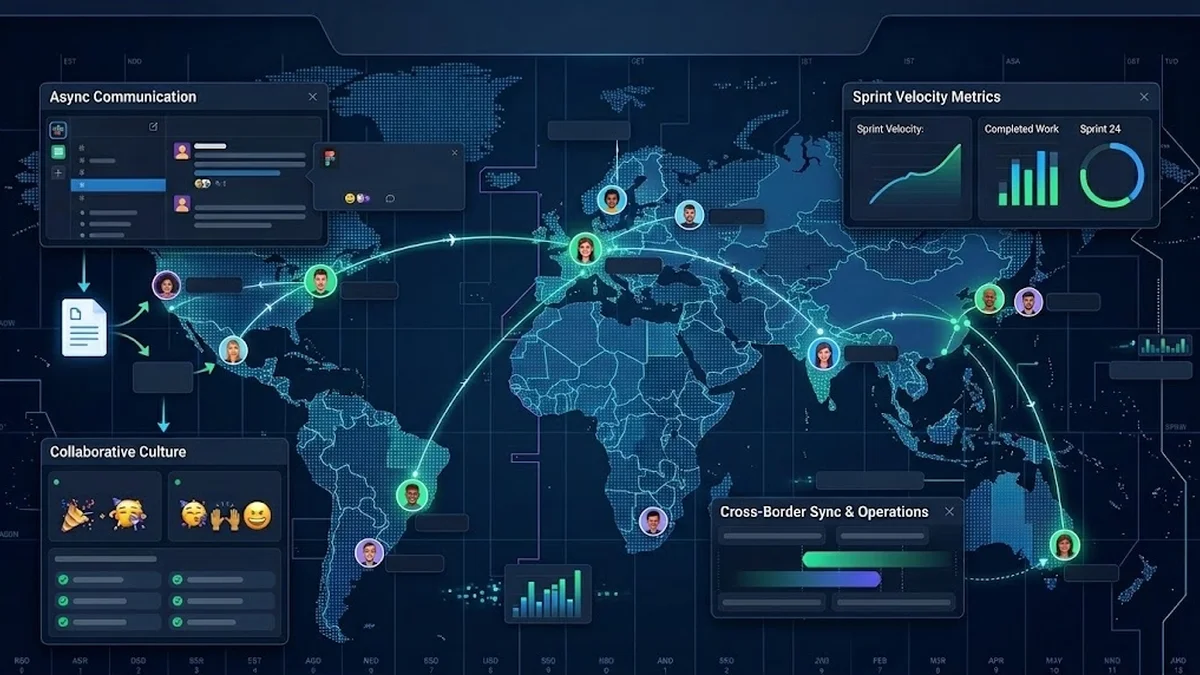
The Strategic Hiring Dilemma for Growing Businesses When leadership teams decide to build a custom software platform or...
The False Dichotomy of Manual vs. Automated QA In software engineering discussions, testing is often framed as an all-o...
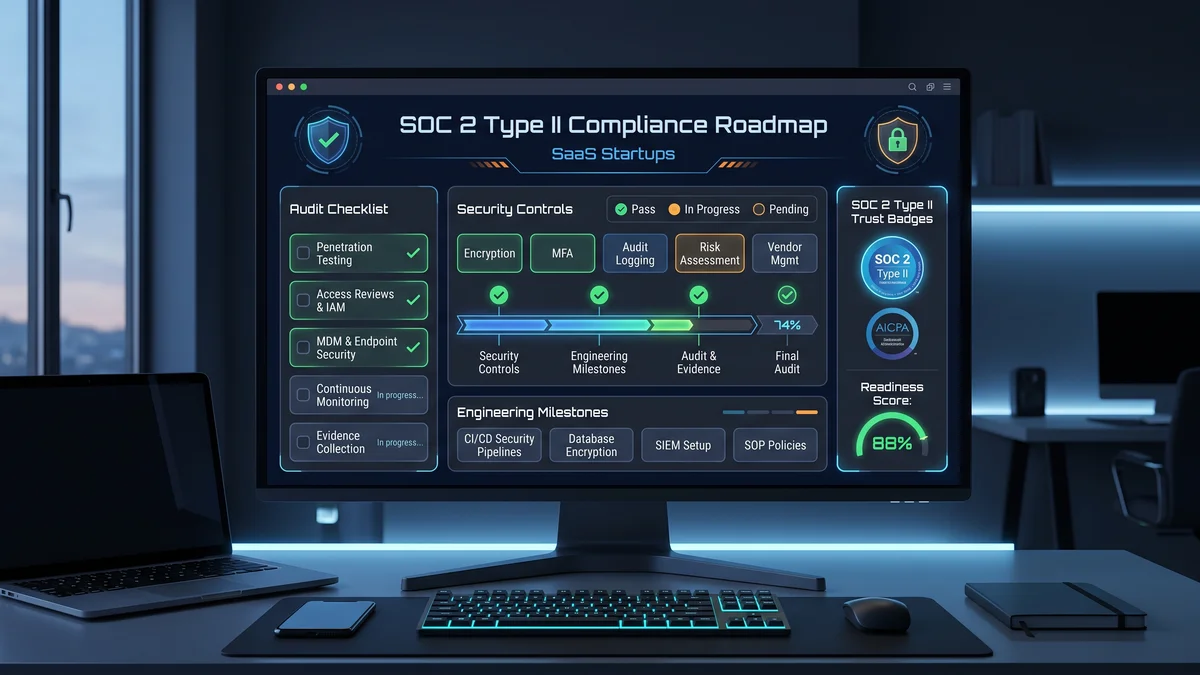
Why Enterprise B2B Buyers Mandate SOC 2 Type II When selling software to Fortune 500 enterprises, healthcare organizati...