
Sylnovia © 2026 · All Rights Reserved

Users have zero tolerance for sluggish mobile applications. Studies indicate that 71% of mobile app uninstalls are triggered by performance degradation: stuttering frame rates (dropped frames), sluggish touch responsiveness, rapid smartphone battery drain, or unexpected out-of-memory (OOM) crashes. In competitive app stores, poor performance directly translates to 1-star reviews and declining rankings.
Achieving fluid 60fps/120fps performance requires proactive profiling, memory leak elimination, and battery-conscious architectural discipline.
Battery drain is primarily driven by continuous CPU wake locks, high-frequency GPS location polling, and continuous cellular radio wakeups. Batch network telemetry requests into 5-minute intervals, and leverage passive geofencing and coarse location tracking rather than high-accuracy GPS polling whenever possible.
At Sylnovia, our mobile performance engineers specialize in memory leak remediation, frame rate optimization, and battery footprint reduction. Contact our team to audit and optimize your mobile applications.
Delivering deep technical insights, architectural blueprints, and digital strategy for modern engineering squads.




The Strategic Hiring Dilemma for Growing Businesses When leadership teams decide to build a custom software platform or...
The False Dichotomy of Manual vs. Automated QA In software engineering discussions, testing is often framed as an all-o...
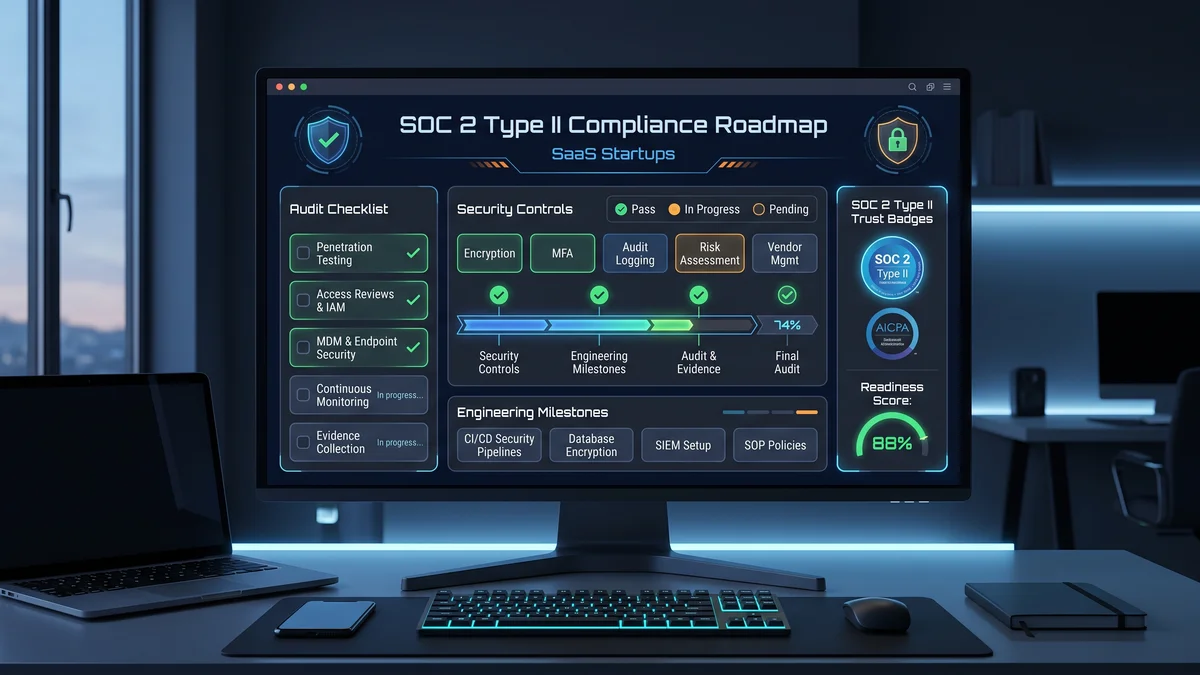
Why Enterprise B2B Buyers Mandate SOC 2 Type II When selling software to Fortune 500 enterprises, healthcare organizati...