
Sylnovia © 2026 · All Rights Reserved
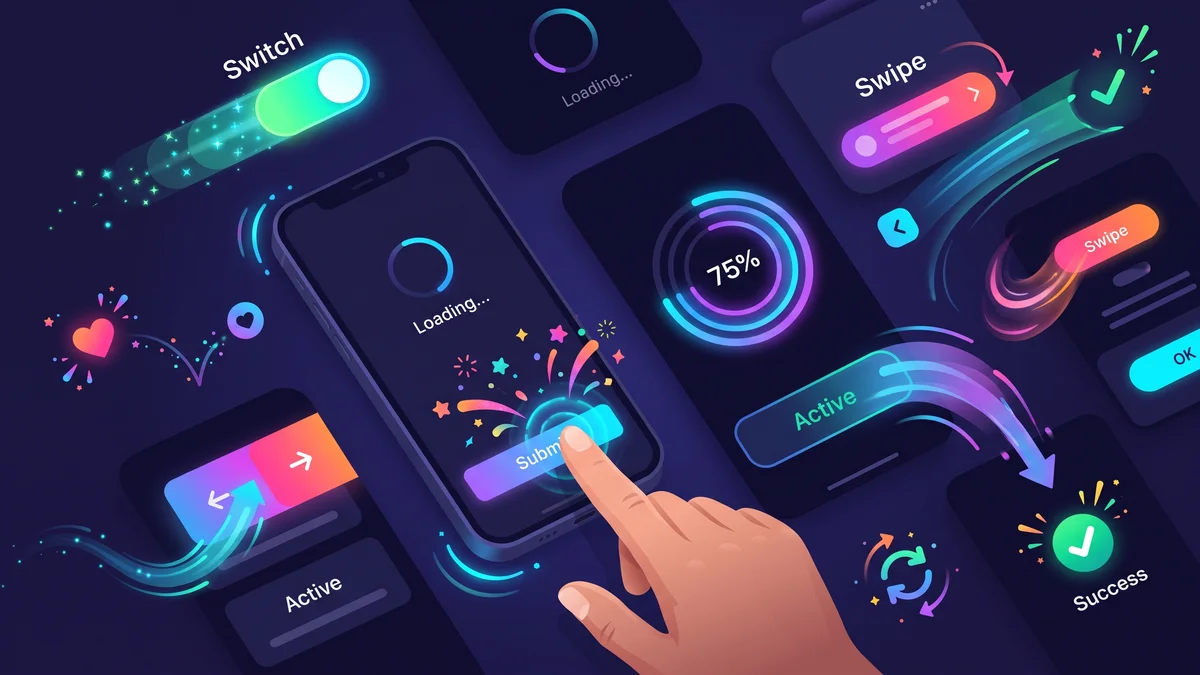
Functional software gets the job done; exceptional software makes using the product feel effortless, responsive, and delightful. Think of the satisfying swipe-to-refresh pull animation, the subtle bounce when a toggle switches state, or the smooth skeleton shimmer while a feed loads. These are Micro-Interactions—small, contained visual and interactive moments designed around a single task.
Far from being frivolous visual decoration, intentional micro-animations provide critical cognitive feedback, confirm state transitions, and elevate user perception of software quality.
Poorly implemented animations cause frame drops and visual stuttering. To guarantee smooth 60fps/120fps motion:
transform (translate, scale, rotate) and opacity.width, height, margin, or top, which force the browser to recalculate layout geometries on every frame.@media (prefers-reduced-motion: reduce).Sylnovia designs fluid, modern digital products featuring bespoke micro-interactions and high-performance animations that captivate users. Connect with our creative engineering team to elevate your product experience.
Delivering deep technical insights, architectural blueprints, and digital strategy for modern engineering squads.
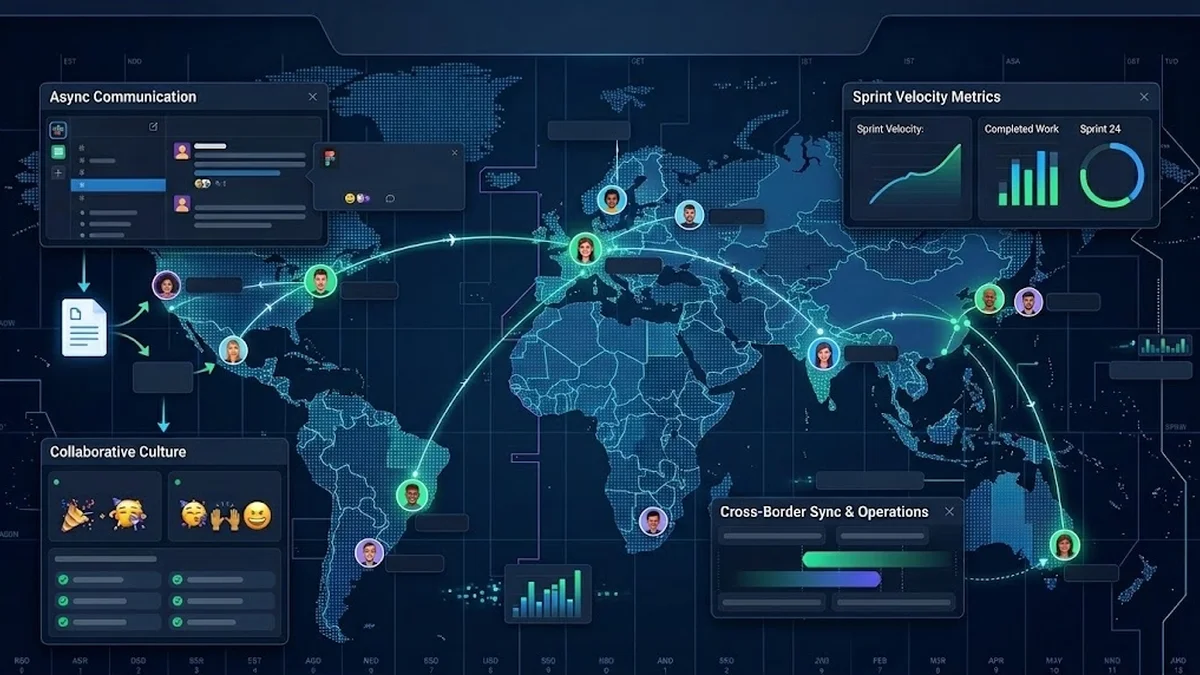
The Strategic Hiring Dilemma for Growing Businesses When leadership teams decide to build a custom software platform or...
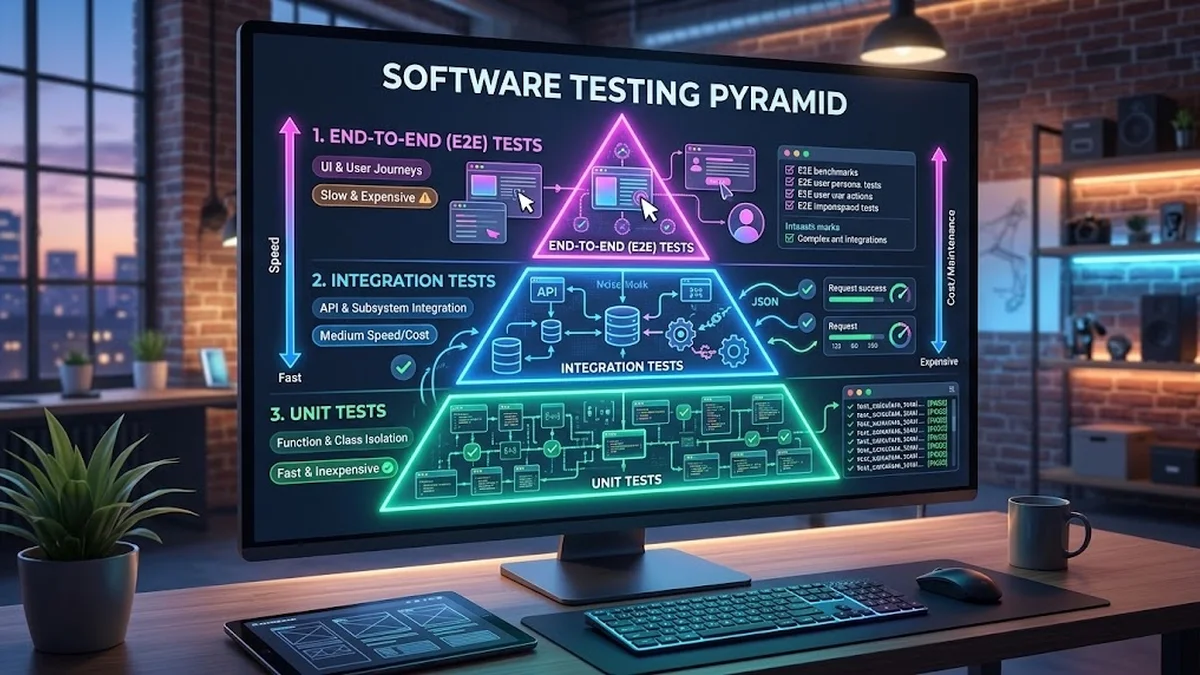
The False Dichotomy of Manual vs. Automated QA In software engineering discussions, testing is often framed as an all-o...
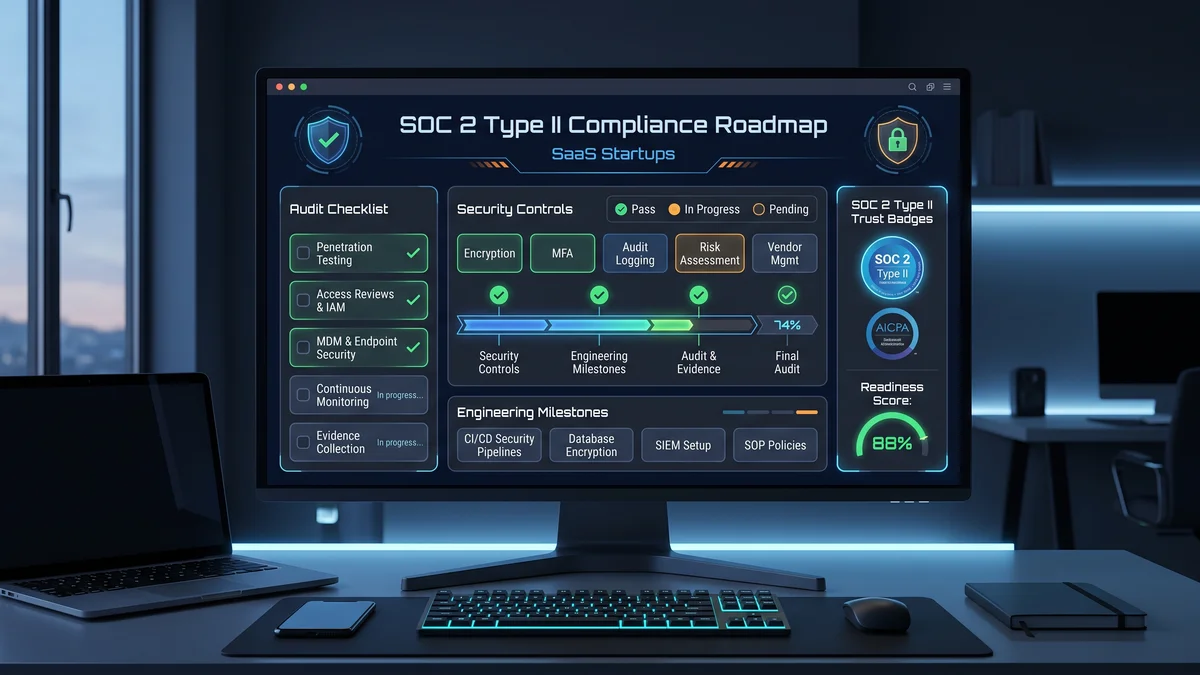
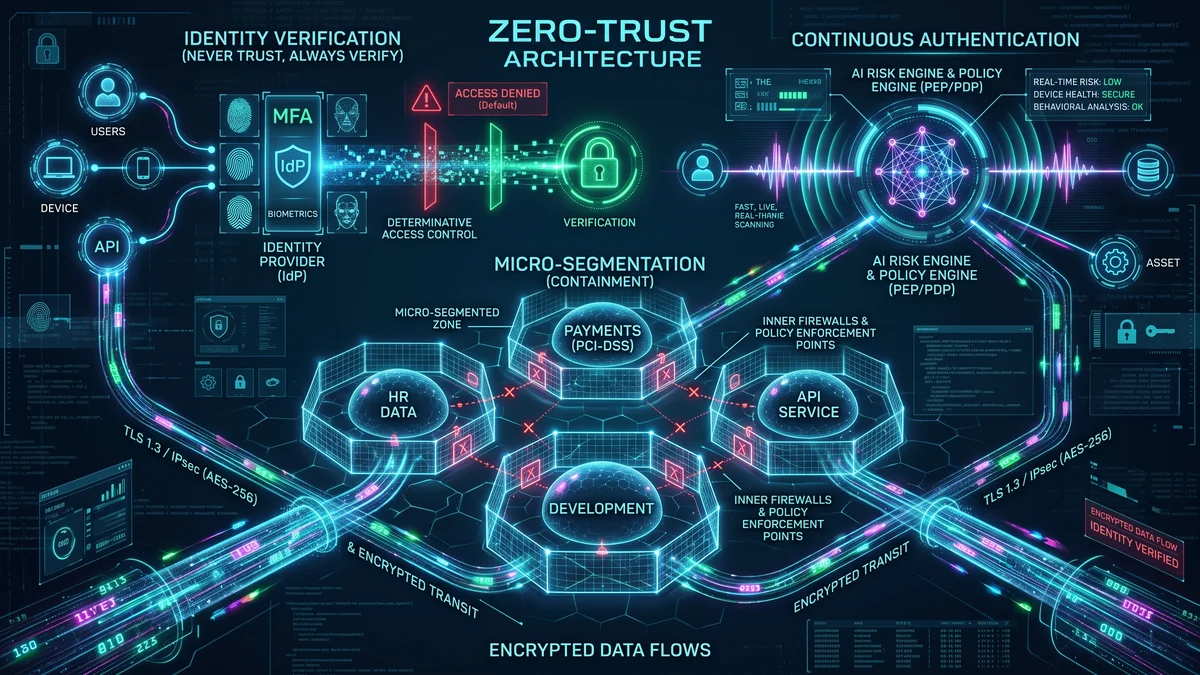
Why Enterprise B2B Buyers Mandate SOC 2 Type II When selling software to Fortune 500 enterprises, healthcare organizati...