
Sylnovia © 2026 · All Rights Reserved

Whether users are completing a SaaS trial signup, requesting an enterprise sales consultation, checking out an e-commerce order, or onboarding their company, forms are the critical transaction gateway. Yet web forms are consistently the most neglected aspect of software design—plagued by ambiguous error messages, excessive fields, frustrating validation traps, and broken mobile keyboards.
Optimizing form UX is one of the highest-leverage conversion rate optimization (CRO) investments an engineering team can make.
onBlur). Pair error states with clear, constructive guidance explaining exactly how to fix the input.type="email", type="tel", inputmode="numeric"). Add standard autocomplete attributes (e.g., autocomplete="email", autocomplete="address-line1") allowing browsers to fill forms in a single tap.Always pair every <input> with an explicit <label for="id"> tag. Never replace labels with placeholder text—placeholders disappear as soon as the user starts typing, destroying short-term memory.
Sylnovia designs high-converting checkout flows, onboarding forms, and interactive web applications that slash abandonment rates. Contact our CRO engineering specialists to optimize your conversion funnels.
Delivering deep technical insights, architectural blueprints, and digital strategy for modern engineering squads.




The Strategic Hiring Dilemma for Growing Businesses When leadership teams decide to build a custom software platform or...
The False Dichotomy of Manual vs. Automated QA In software engineering discussions, testing is often framed as an all-o...
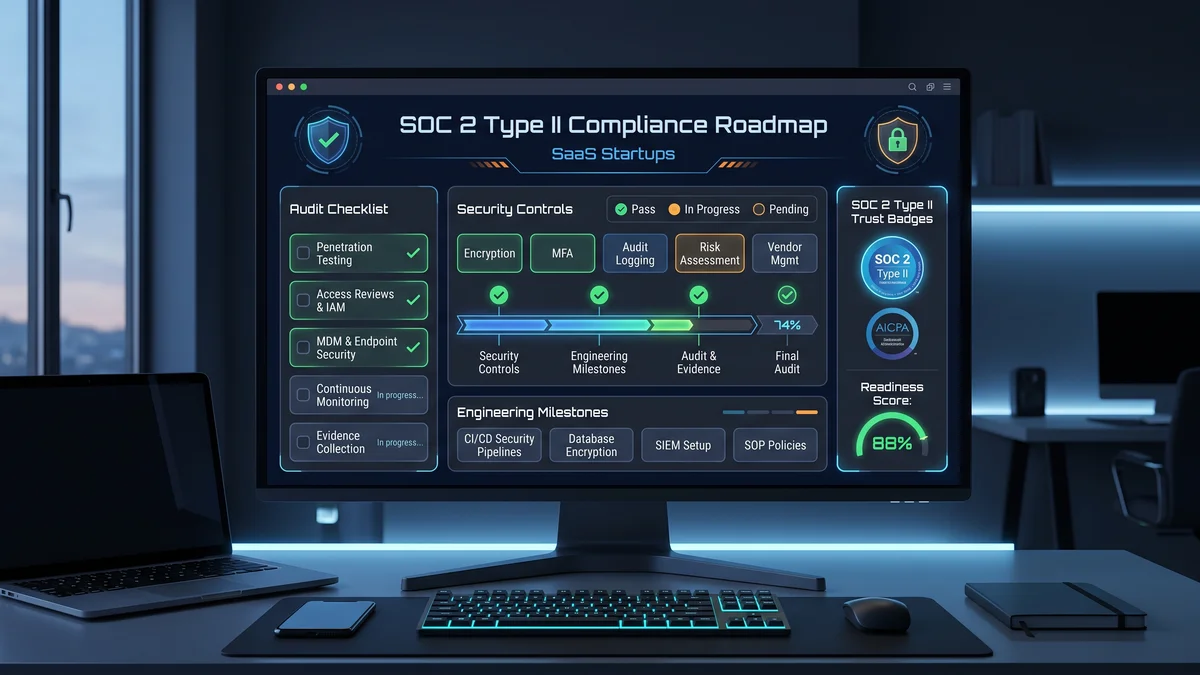
Why Enterprise B2B Buyers Mandate SOC 2 Type II When selling software to Fortune 500 enterprises, healthcare organizati...