
Sylnovia © 2026 · All Rights Reserved

Exporting data—downloading monthly customer invoices as PDFs, exporting 200,000-row transaction ledgers to CSV, or generating compliance audit archives—is a universal requirement for B2B applications. However, naive export implementations frequently cause catastrophic production outages: loading 100,000 Eloquent models into server memory causes PHP memory exhaustion (Allowed memory size exhausted), while heavy synchronous PDF rendering locks CPU threads, triggering 504 Gateway Timeouts for active users.
Building high-volume export engines requires memory-safe streaming, asynchronous background queue processing, and temporary cloud storage orchestration.
Never query an entire massive database table into application memory at once. Use database cursor streaming and chunking to process records row-by-row:
// Memory-Safe Streaming Response in Laravel
return response()->streamDownload(function () {
    $handle = fopen('php://output', 'w');
    fputcsv($handle, ['ID', 'Transaction Reference', 'Amount', 'Date']);

    // Chunking keeps memory footprint under 15MB regardless of dataset size
    Transaction::orderBy('id')->chunk(1000, function ($transactions) use ($handle) {
        foreach ($transactions as $txn) {
            fputcsv($handle, [$txn->id, $txn->reference, $txn->amount, $txn->created_at]);
        }
        flush();
    });

    fclose($handle);
}, 'transactions-' . date('Y-m-d') . '.csv');Sylnovia designs resilient data export architectures, high-volume streaming engines, and automated reporting pipelines for enterprise web platforms. Ensure your platform handles heavy data exports effortlessly by consulting with our engineering team today.
Delivering deep technical insights, architectural blueprints, and digital strategy for modern engineering squads.

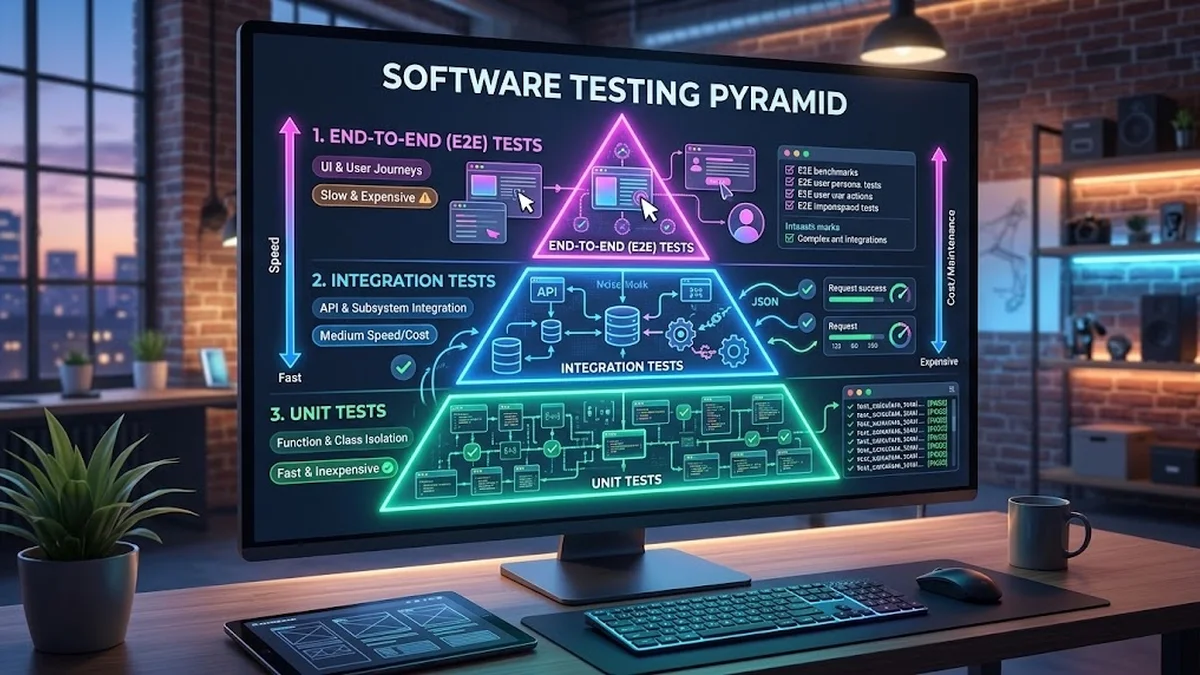
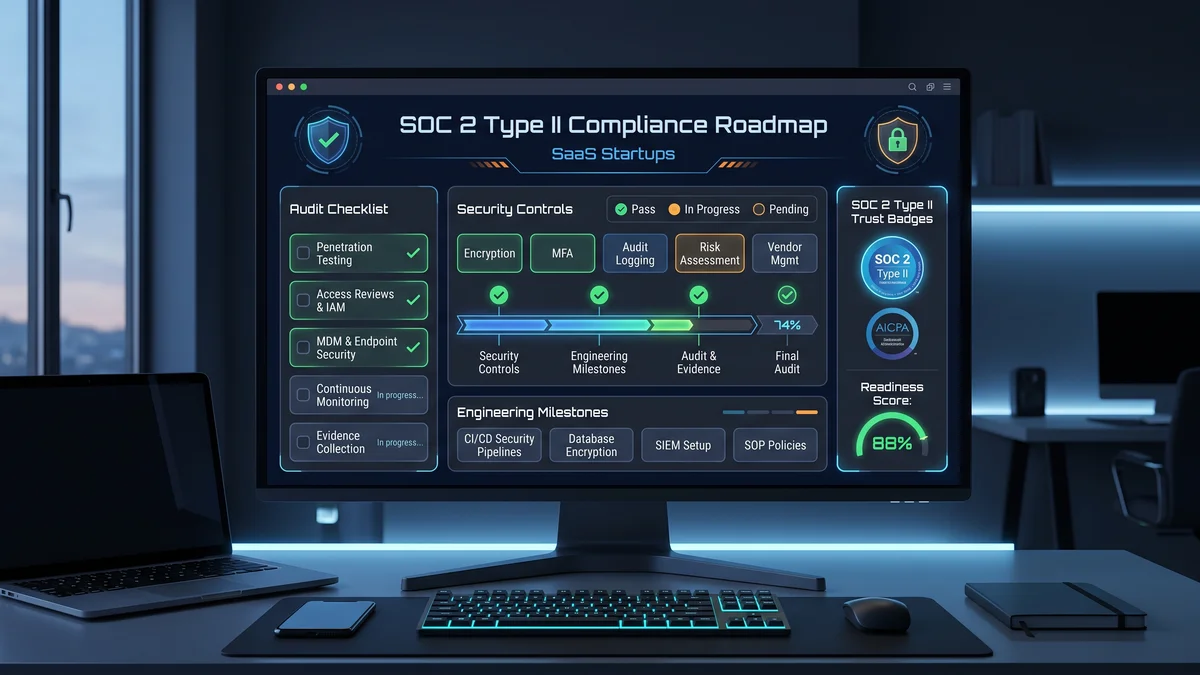

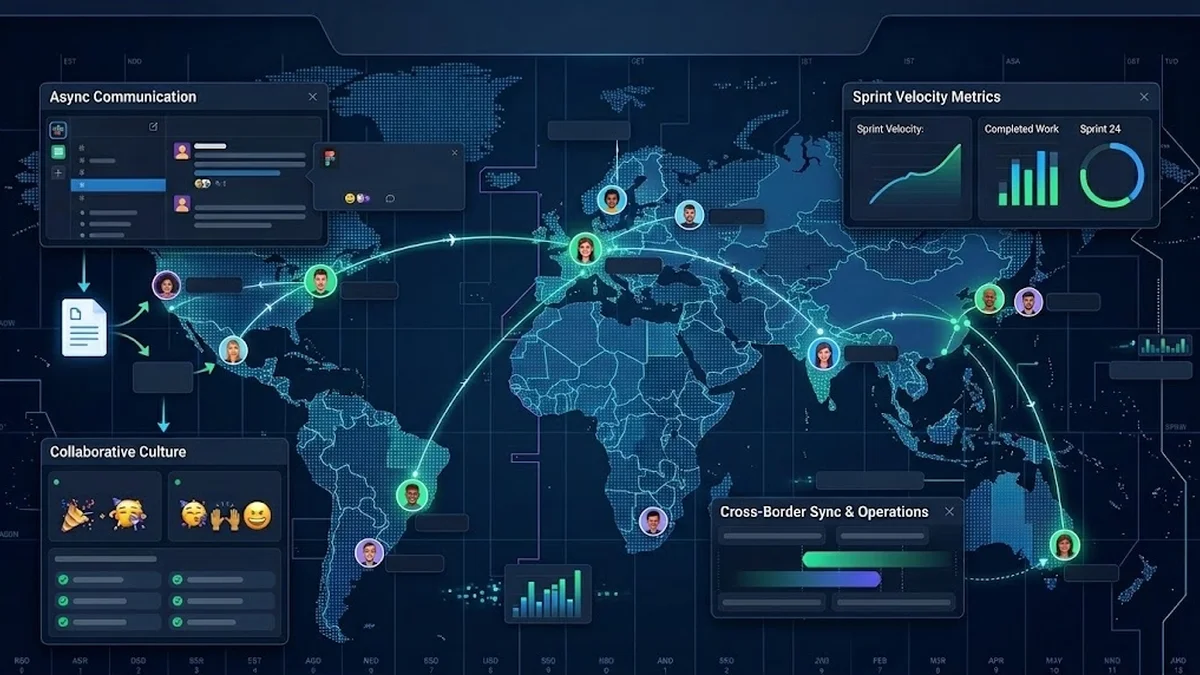
The Strategic Hiring Dilemma for Growing Businesses When leadership teams decide to build a custom software platform or...
The False Dichotomy of Manual vs. Automated QA In software engineering discussions, testing is often framed as an all-o...
Why Enterprise B2B Buyers Mandate SOC 2 Type II When selling software to Fortune 500 enterprises, healthcare organizati...